|
The [Club] tab |
  
|
|
The [Club] tab |
|
When the [Club F3] tab is selected the subordinate tabs are shown:
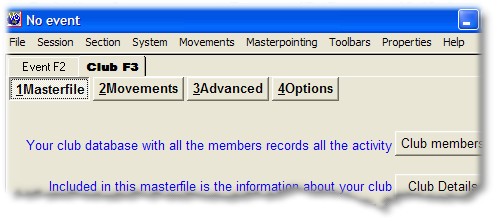
The [Club F3] tab allows you to manage the details of the club and the club database.
| • | 1 the members database master file, club details and event history |
| • | 2 allows you to change the movements available for use in any events |
| • | 3 advanced options include default values, masterpoint exports and internet options |
| • | 4 allows quick access to items such as club details, user name, reporting date and club master file. |
This help file was created with an unregistered evaluation copy of Help & Manual. © EC Software. All rights reserved. This message will not appear if you compile this help file with the registered version of Help & Manual.