Install kit details |
  
|
Install kit details |
|
The install kit details screen is like:
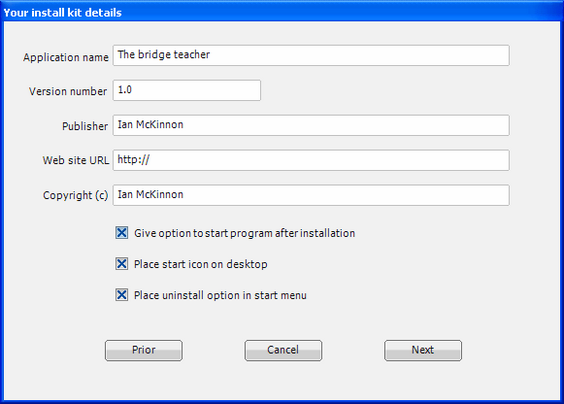
Fill in the fields to suit your needs. The top 5 fields are part of the setup install program will be viewable in the properties of the executable program, setup.exe in this example. The 3 checked items will take effect during the running of the install program.
You can go back to the prior screen using the [prior] button, cancel the wizard with the [cancel] button and proceed to the next screen (the movie file list) using [next].